




Skip to content

NEXAGEN PRIME

PRIME Desktop App

Your AI Workspace,at desktop speed.

Use your AI Workspace on the web and desktop with one PRIME account. Mobile apps are coming soon.

Use it on the web

The Windows version is coming soon. You can use PRIME on the web right now.

Supported OS
Windows 10 · 11
Architecture
x64
Account
One PRIME account
Version
Shown at release

01 / Platforms

PRIME, on every screen

Starting with Windows, followed by macOS, Linux and mobile.

Desktop

Coming soon

Main release

NEXAGEN PRIME for Windows

Installer for Windows 10 / 11 · x64

The Windows release is being prepared

The installer will be available right here at launch. Until then, start with PRIME on the web.

Microsoft StoreComing soon

Alongside the direct installer, a Microsoft Store release is in preparation.

Release information

Version
Shown at release
File size
Shown at release
Updated
Shown at release
SHA-256

Once the Windows version is released, its version, file size, and SHA-256 will appear here.

  • Microsoft Store

    Windows

    ARM64 · Microsoft Store

    Coming soon

    Available here as soon as it launches.

  • macOS

    Apple Silicon

    Coming soon

    Available here as soon as it launches.

  • macOS

    Intel

    Coming soon

    Available here as soon as it launches.

  • Linux

    x64

    Coming soon

    Available here as soon as it launches.

  • Linux

    ARM64

    Coming soon

    Available here as soon as it launches.

Mobile

  • App Store

    iPhone & iPad

    App Store

    Coming soon

    Available here as soon as it launches.

  • Google Play

    Android

    Google Play

    Coming soon

    Available here as soon as it launches.

02 / Inside PRIME

From planning to image, video, and sound in one flow

PRIME brings conversational AI, production tools, workspaces, connected sources, and your own ways of working together. Everything below runs on a single PRIME account.

01AI Workspace

An AI Workspace that goes beyond the chat

Shape ideas, bring in the material you need, and carry on into real production work within the same conversation.

  • Multi-turn conversations you refine back and forth
  • Conversation history and working context kept intact
  • Attach images, videos, audio, and Drive documents to review together
  • Go straight from the conversation to generation and Canvas
02Live Create

Say it, and PRIME makes it by running the right tools

Not an AI that only talks: PRIME actually runs the tools the job needs. One sentence becomes an image, video, music, or voice task, and you confirm it on an approval card before anything runs.

  1. 1Describe what you want in one sentence
  2. 2PRIME checks only the details it needs
  3. 3Review the engine and estimated credits on an approval card
  4. 4Generation starts once you approve
  5. 5Make variations or move to the next step
ImageVideoMusicVoiceDocumentsWebsites

No generation credits are used until you approve.

03Canvas V2

Build visually while seeing the whole flow

Take the ideas from your conversation into a visual workspace. Lay out scenes and results on one screen and remake only the parts you need.

  • See the whole production flow scene by scene and shot by shot
  • Link references and start images to each scene
  • Place image, video, and sound results side by side
  • Pick just the scenes you want to rework
  • Move to the next step together with the Agent

The Canvas panel in the app screen at the top of this page is this workspace.

04Workspace

Project by project, one step at a time

Refine the plan in conversation with PRIME and complete each stage of the project in order. Where Canvas gives you the overview, Workspace is built for precise, step-by-step work.

  • A dedicated workspace and saved progress for every project
  • Manage subject and background roles and assets per scene
  • Image and video production per stage, plus 4K upscale
  • Move to the next stage without losing the conversation context
  • Open the same project in Canvas and keep going

All in PRIME

  1. 01Chat
  2. 02Material
  3. 03Plan
  4. 04Generate
  5. 05Revise
  6. 06Assets
  7. 07Next job

It all continues in one PRIME Workspace

No need to explain things again as you move between features. Conversation context, attached material, and finished results carry straight into the next job.

05Planning & Storyboard

Design scenes and shots first, then produce

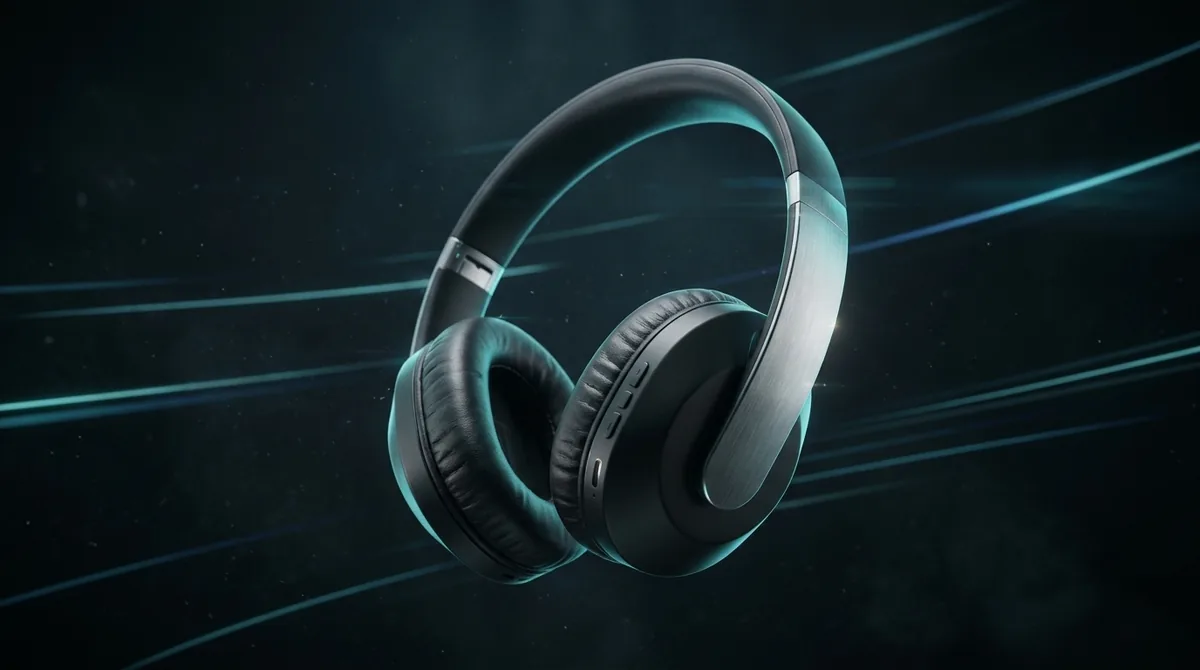
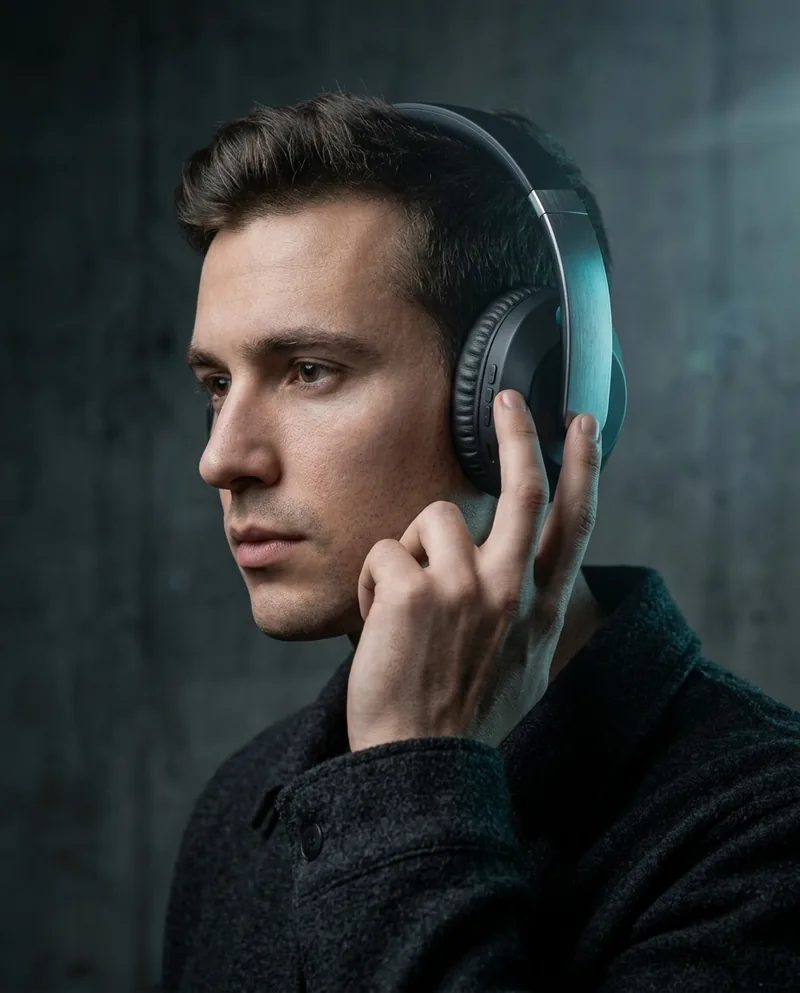
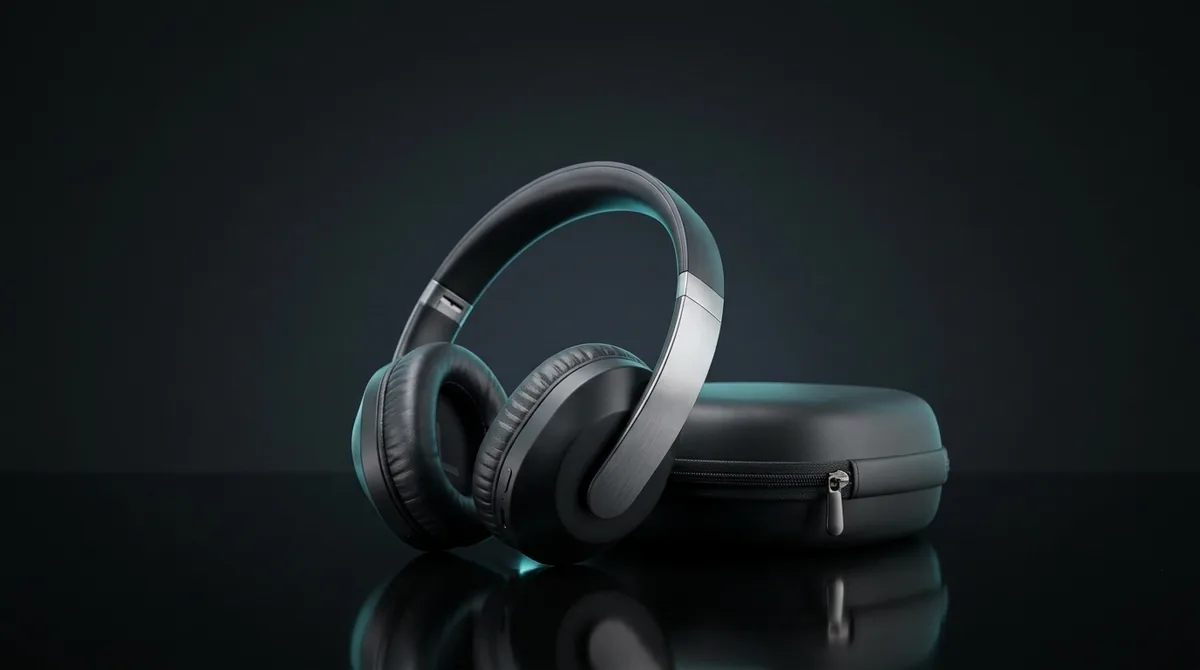
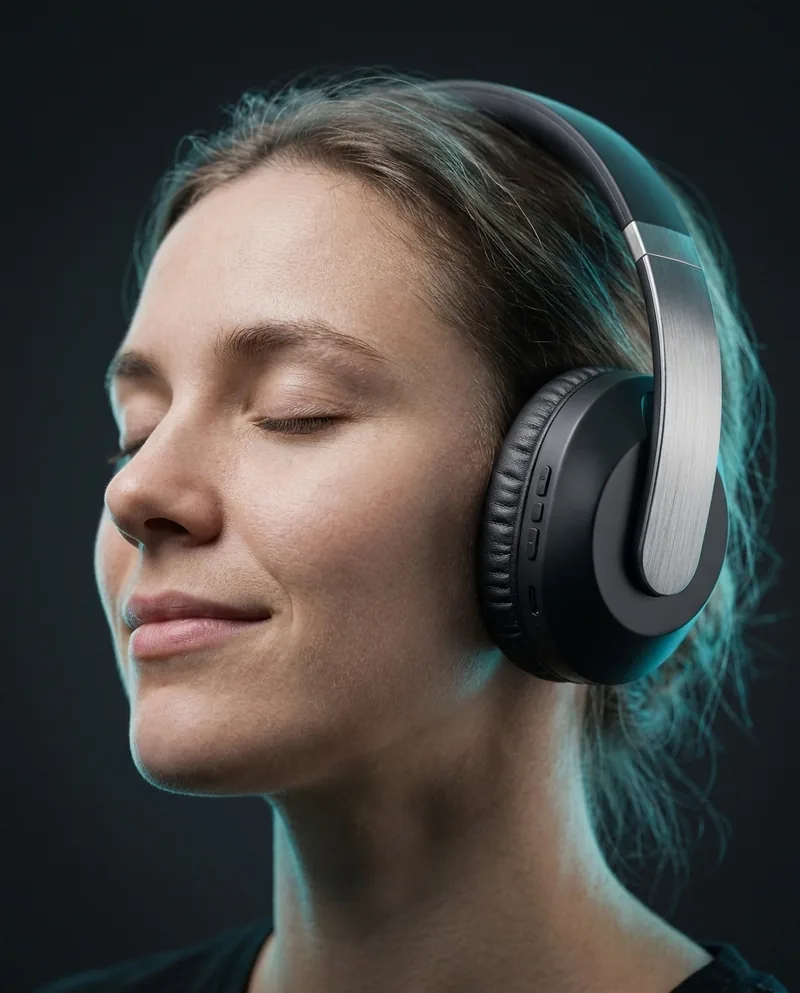
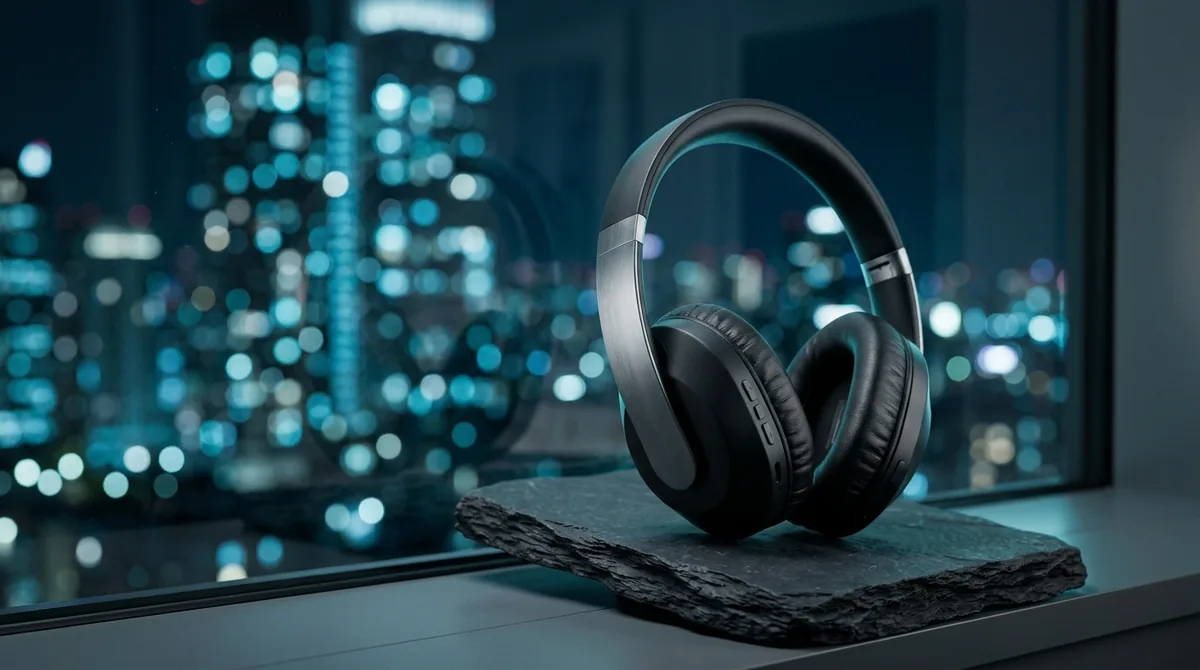
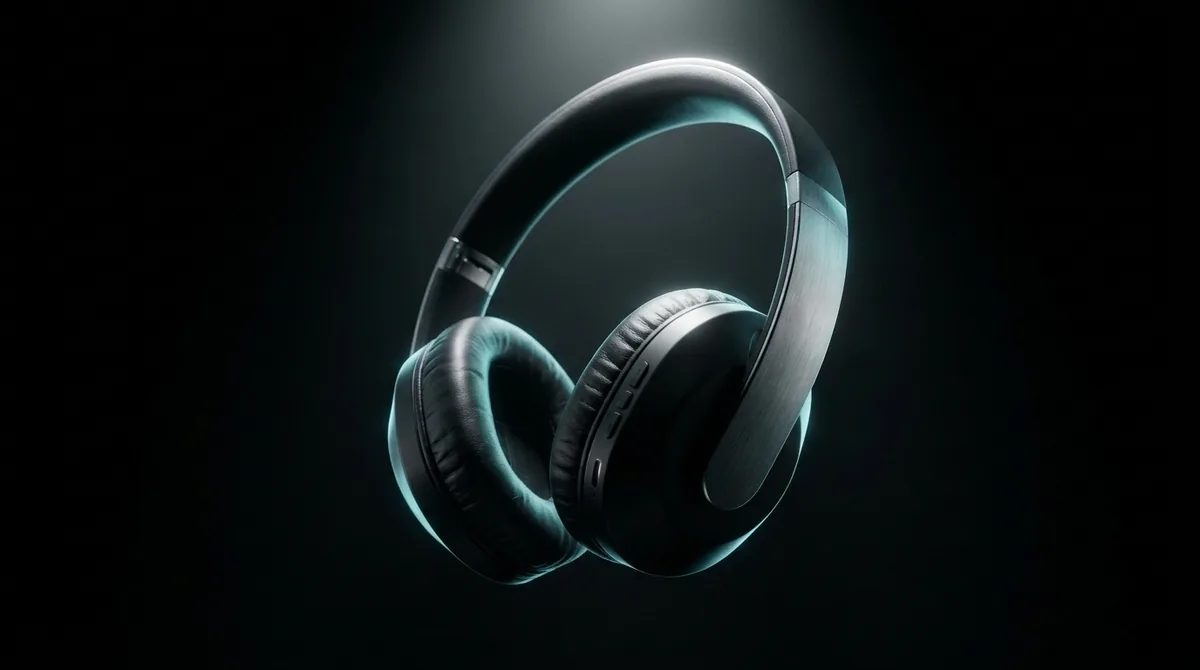
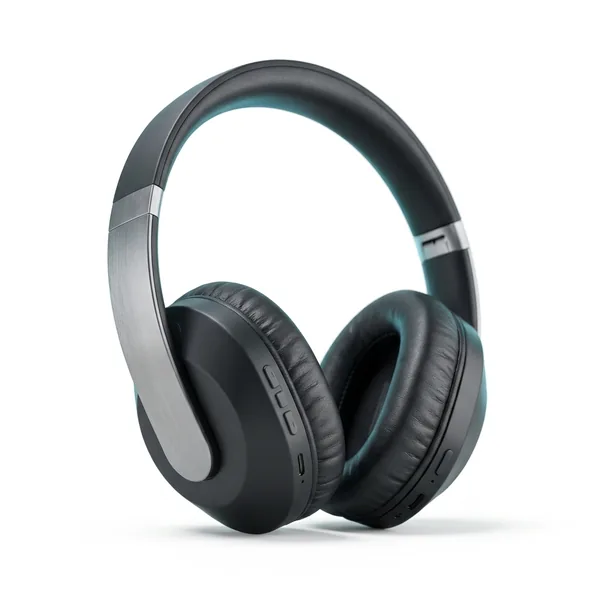
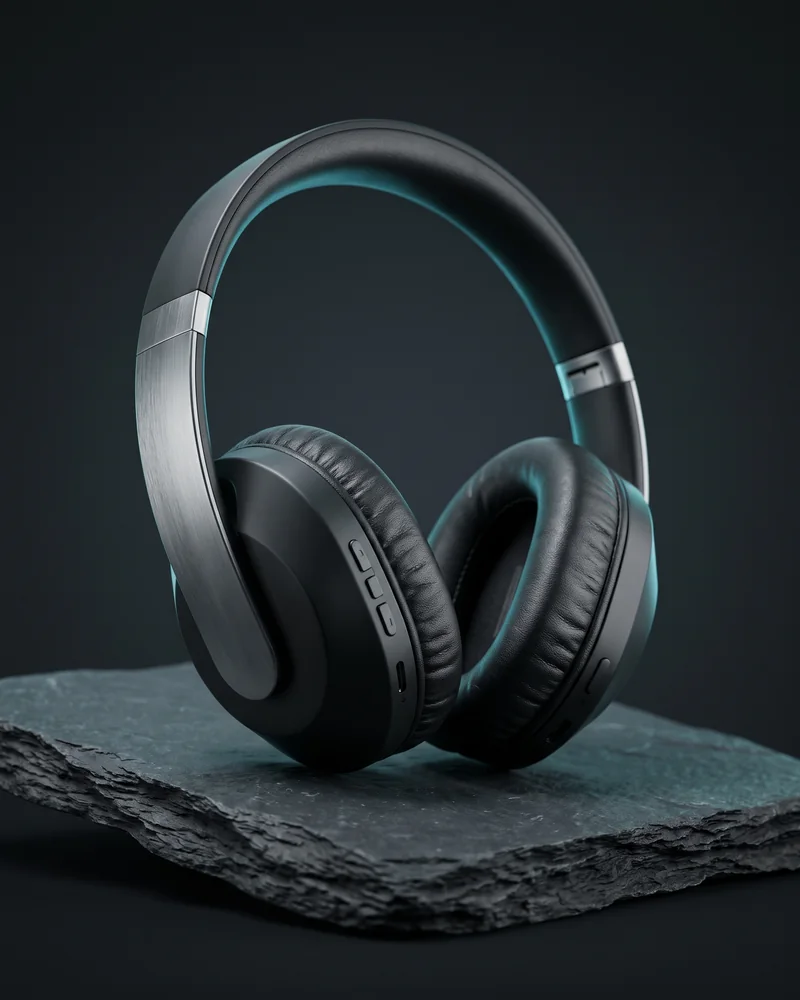
Follow one example project end to end. A premium wireless headphone launch campaign is planned as plan, scenario, scenes, shots, and storyboard, then carried through image, video, sound, and the final result with the same product.

Example project · Premium wireless headphone launch campaign

  • Generate several scenario candidates to compare and choose
  • Set camera and movement direction for each scene
  • Preview the whole flow as a storyboard
  • Review results at every stage before moving on

Steps

  1. 01Planning
  2. 02Scenario
  3. 03Scene Breakdown
  4. 04Shot Breakdown
  5. 05Storyboard
  6. 06Image candidates
  7. 07Video
  8. 08Sound
  9. 09Final output

Result preview per step

  1. 01PlanningLaunch brief for new premium wireless headphones
  2. 02ScenarioA night city, the moment the noise disappears
  3. 03Scene BreakdownCity night → product close-up → wearing
  4. 04Shot BreakdownFraming and camera decided per scene
  5. 05StoryboardPreview the ad flow in four frames
  6. 06Image candidatesPick one of three ad shots of the same product
  7. 07VideoA 15-second ad from the chosen shot
  8. 08SoundUrban electronic BGM and sound effects
  9. 09Final outputKey visual · ad video · thumbnail

06Image

Create, fix, and scale up your images

Turn the headphone campaign shots from the storyboard into images. Start from text or a product photo, then edit, vary, and upscale into finished ad visuals.

Example project · Premium wireless headphone launch campaign

  • 01Text to imageOne sentence to a headphone lifestyle shot
  • 02Reference-based generationNew ad shots built from the real product photo
  • 03Image editingChange only background, lighting, or style
  • 04VariationsThe same headphone concept in another mood
  • 05Cinematic regenerationReinterpreted with commercial film lighting
  • 06UpscaleThe finished key visual at high resolution

07Video

From text to scenes, from images to video

Use the headphone ad images you made as starting frames and add motion. Build an ad that flows city-night entrance, product close-up, wearing shot, and end packshot with the same product and setting.

Example project · Premium wireless headphone launch campaign

  • Text to video
  • Image to video
  • Assign subject and background references by role
  • Set orientation and direction options
  • Upscale finished videos

08Voice · Music · Audio

Music, voice, and audio, each handled on its own

Create background music that fits your video, add narration, and use the audio you already have as working material.

  • Music

    Describe the mood and length to get a vocal track or an instrumental. You can also continue straight into background music for a finished video.

  • Voice

    Turn narration and announcements into voice, and add them to your workflow alongside music.

  • Audio

    Upload your own audio files and attach them as material for conversations and production.

09Skills & Plugins

Add your own way of working to PRIME

Install your rules and expertise as Skills, then pick the Skills each conversation needs to extend how PRIME works.

  • Use official PRIME Skills right away
  • Add your own Skill with a single Markdown file
  • Turn each Skill on or off yourself
  • Apply only the Skills a conversation needs

Plugins

Bundle Skills and permitted tools into a Plugin you build, then manage installing, removing, and enabling it.

10Connected Apps

Connect the services and sources you need

Connect outside services and NEXAGEN features to PRIME, bring in material, and use it directly in your conversations and production.

  • Read only the Google Drive files you pick and use them in the chat
  • Look up your library, Workspace projects, campaigns, and code projects
  • Connect services for files, project management, development, and data
  • Anything beyond reading is confirmed before it runs
  • Disconnecting keeps your assets and conversation history

11Assets & References

Reuse your results and references

Bring in product photos and background references for the headphone campaign from local files, My Assets, or Google Drive, then save the shots and videos you make to your Library for the next task.

Example project · Premium wireless headphone launch campaign

  • Upload image, video, and audio files
  • Pull past results from your Library and reuse them
  • Manage images, videos, and documents in one place
  • Set references that shape the next generation

12Code & Launch

On to websites and launch campaigns

Extend the same headphone campaign into a launch landing page and release campaign.

Example project · Premium wireless headphone launch campaign

Code Studio

Example: a headphone launch landing page. Build hero, product highlights, campaign copy, and CTA section by section, then tune each screen size.

  • Landing pages, brand sites, and redesigns
  • Build screens section by section and component by component
  • Export as Next.js and React code
  • Adjust Desktop, Tablet, and Mobile layouts separately

Launch Director

Shape a launch strategy around the same headphone product, then complete landing page, short-form video, copy, and campaign refresh from the key visual as one launch flow.

NEXAGEN PRIME on Windows

Use everything above with one PRIME account, moving between web and desktop.

The Windows version is coming soon. You can use PRIME on the web right now.

Use it on the web

03 / Windows x64

System requirements

Operating system
Windows 10 64-bit · Windows 11 64-bit
Architecture
x64
Network
Internet connection required
Account
Sign in with a NEXAGEN account

04 / Support

Frequently asked questions

01Which operating systems does the NEXAGEN PRIME app support?

We are preparing the Windows x64 version. Windows ARM64, macOS, Linux, iPhone/iPad, and Android versions are also coming soon.

02When will the macOS version be available?

It is coming soon. Once released, you can download it directly from this page.

03Are there iPhone or Android apps?

The iPhone/iPad and Android apps are coming soon.

04Can I use PRIME on the web?

Yes. Go to ai.nexagen.co.kr in your browser and sign in with your NEXAGEN account.

05How do I verify the installer?

In Windows PowerShell, run Get-FileHash on the installer and compare its SHA-256 value with the one shown on this page.

Keep PRIME within reach.

Move between web and desktop with one PRIME account and keep your work going.

Use it on the web